ppt中怎么安装Onekey Tools

 时间:2026-04-27 05:51:16

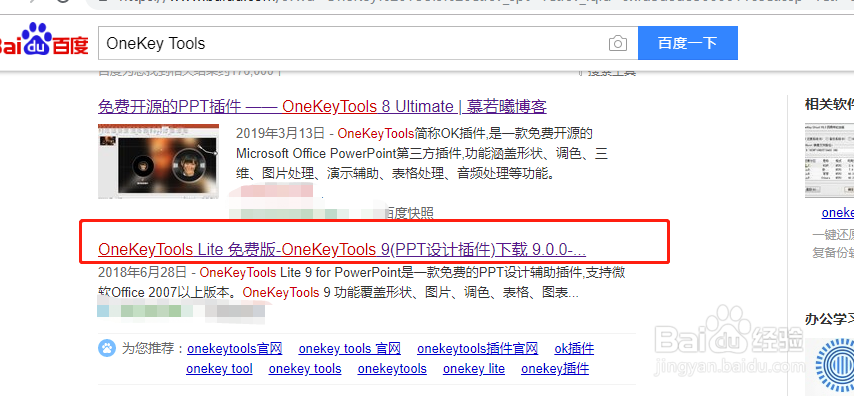
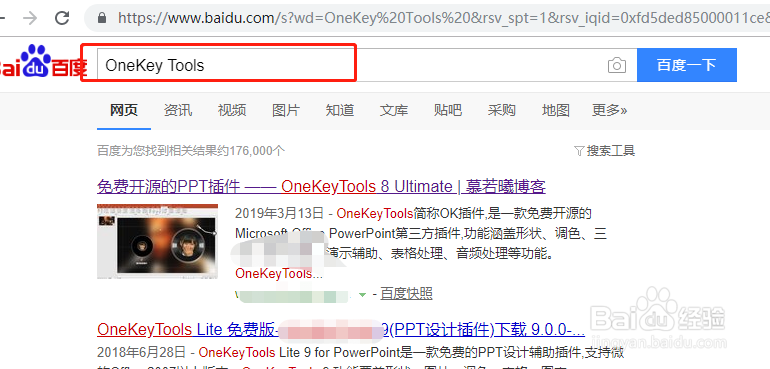
1、打开浏览器,输入“Onekey Tools”
ppt中怎么安装Onekey Tools

2、搜索出来的,找到一个能下载的地址点击进去

ppt中怎么安装Onekey Tools

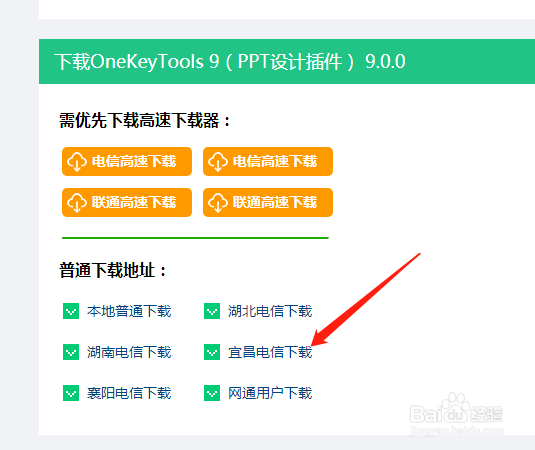
3、在下载连接里面,选择普通下载

ppt中怎么安装Onekey Tools

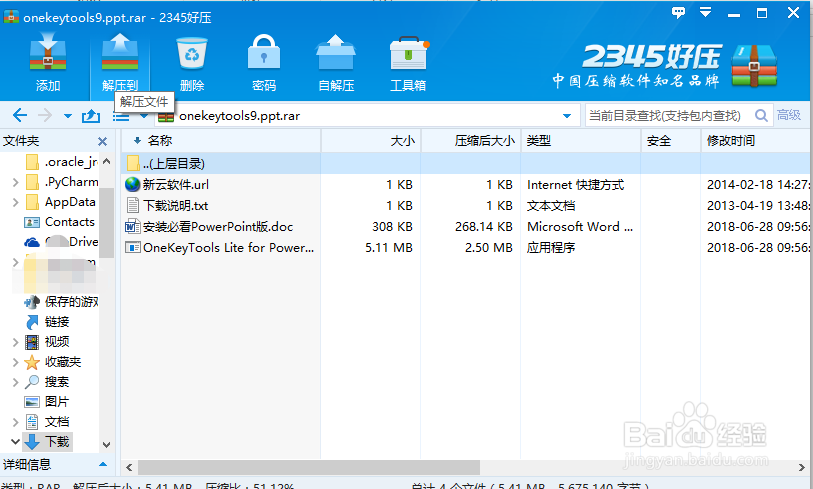
4、下载完成之后,将其解压出来

ppt中怎么安装Onekey Tools

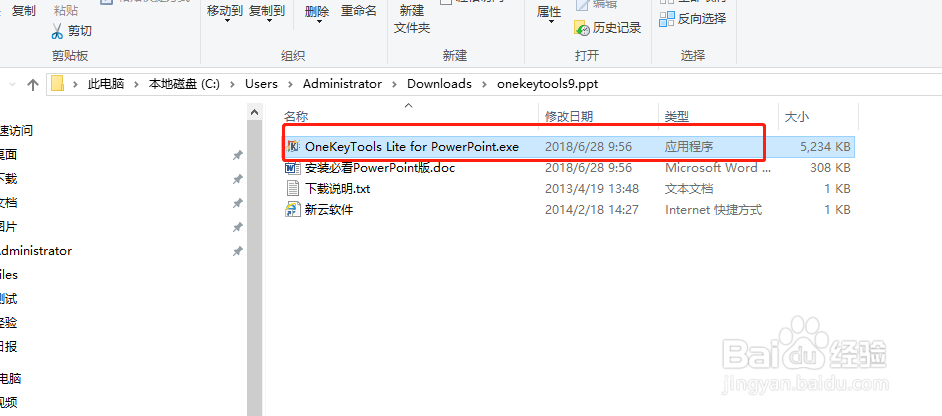
5、选择“OneKeyTools Lite for PowerPoint.exe”右键以管理员身份运行
ppt中怎么安装Onekey Tools

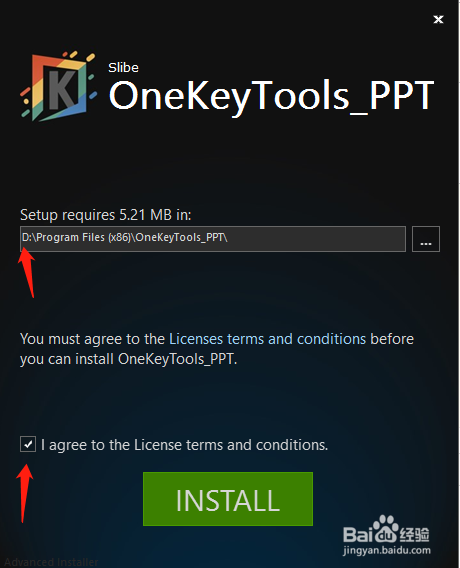
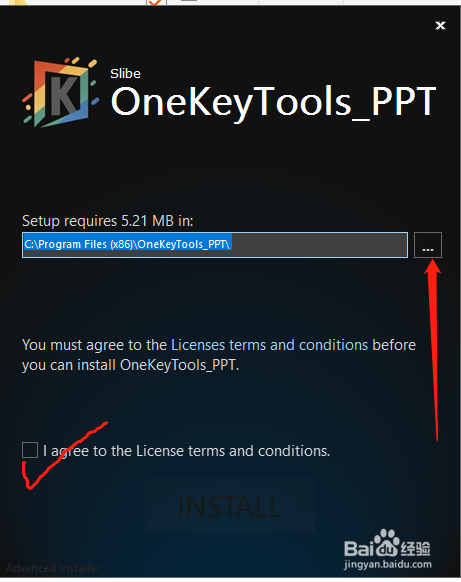
6、弹出安装的窗口,可以更改安装目录,下面勾选同意安装,然后点击“INSTALL”
ppt中怎么安装Onekey Tools

ppt中怎么安装Onekey Tools

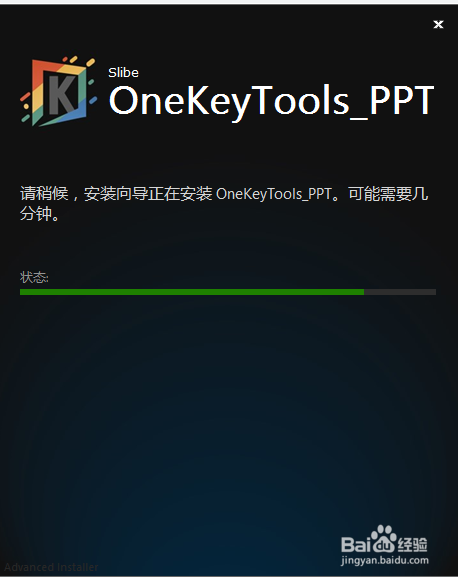
7、等待一会儿,安装成功,点击完成

ppt中怎么安装Onekey Tools

ppt中怎么安装Onekey Tools

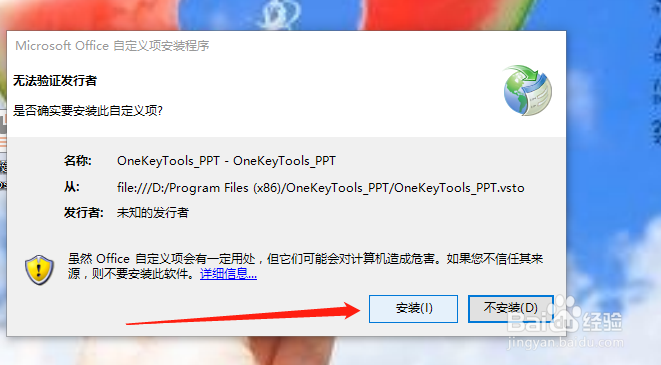
8、现在打开PowerPoint2016,在加载的时候就加载“OnekeyTools”,弹出PowerPoint安装窗口,点击“安装”

ppt中怎么安装Onekey Tools

ppt中怎么安装Onekey Tools

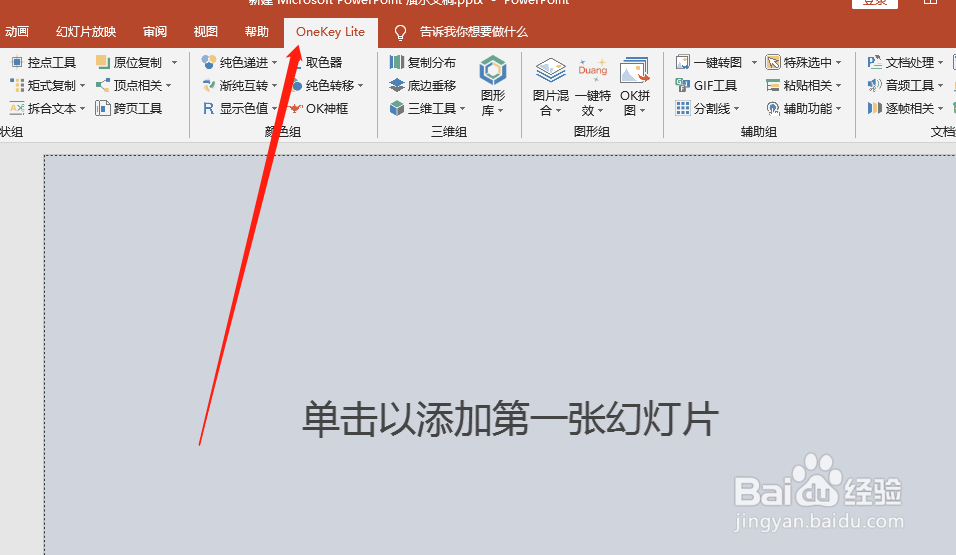
9、在PowerPoint界面菜单栏里面显示“Onekey Lite”

ppt中怎么安装Onekey Tools

  • PPT怎么画圆柱体
  • 如何使用ppt快速制作三维立体图形
  • PPT中如何画圆柱形?
  • 怎么用PPT画一个正立方体
  • PPT中3D立体图形的绘制是怎么实现的
  • 热门搜索
    恒大世纪旅游城 春节海南旅游 稻草人旅游 春秋旅游团 深圳好玩的旅游景点 郑州旅游学校 珠海旅游必去景点 春秋旅游社 广州 旅游 枣庄旅游景点大全